People
Passengers, drivers, dispatchers
Overview
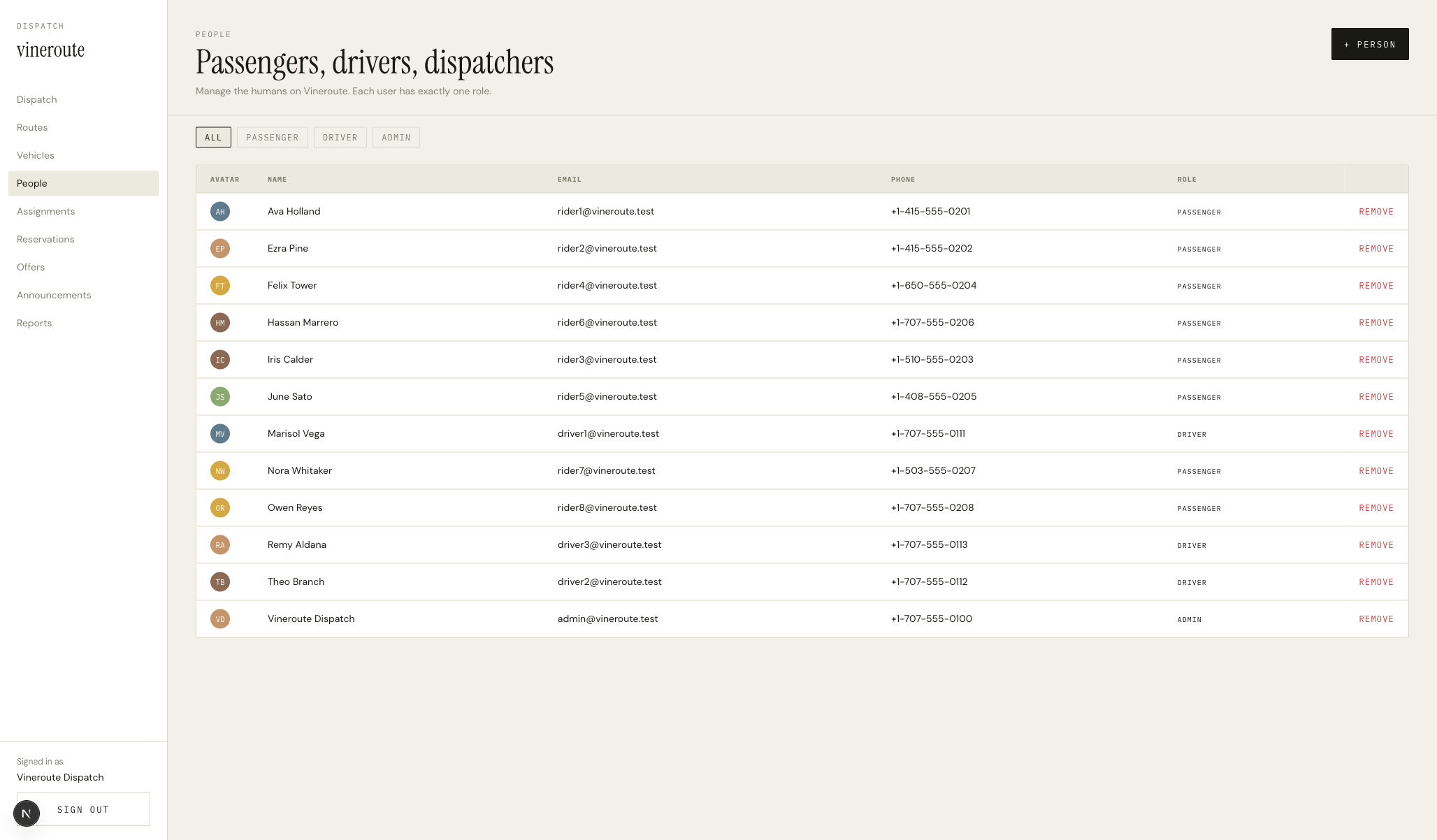
Role-pill row at the top: ALL · PASSENGER · DRIVER · ADMIN. Below it, the DataTable with columns AVATAR (a colored circle with initials), NAME, EMAIL, PHONE, ROLE (lowercase pill), and a REMOVE link at the end of each row. The +PERSON action button at the top right opens a modal with role selector, name, email, phone, and an optional bio/portrait if the role is driver.
How it works
`GET /admin/users` returns the full list; `GET /admin/users?role=passenger` filters server-side. The role pills set the role query param and the table re-fetches.
Avatar circles are generated client-side from the user's name initials and the avatarColor field — same as the mobile app's Avatar component but ported to React DOM.
Remove flow: click REMOVE, confirm modal opens, confirm fires `DELETE /admin/users/[id]`. The API soft-deletes rather than hard-deletes — deletedAt stamped, the user can't sign in, but their reservations and trip logs stay queryable for reporting.
Adding a driver opens a richer modal — extra fields for bio, portrait URL, years of experience, languages (multi-select), favorite winery, and the PRO toggle.
Email is the unique key for sign-in — the modal validates uniqueness against `/admin/users?email=...` before allowing save.
Key decisions
One table for every role
Splitting passengers, drivers, and admins into three pages would mean three near-identical tables and three sets of bugs. One table with a role filter is the same surface area for the dispatcher and a third of the code.
Soft delete, not hard delete
A driver who quits last year still has trip logs and a manifest. Hard-deleting them would orphan the join columns or force cascading deletes we don't want. Soft delete with deletedAt keeps the history intact and removes the human from active flows.