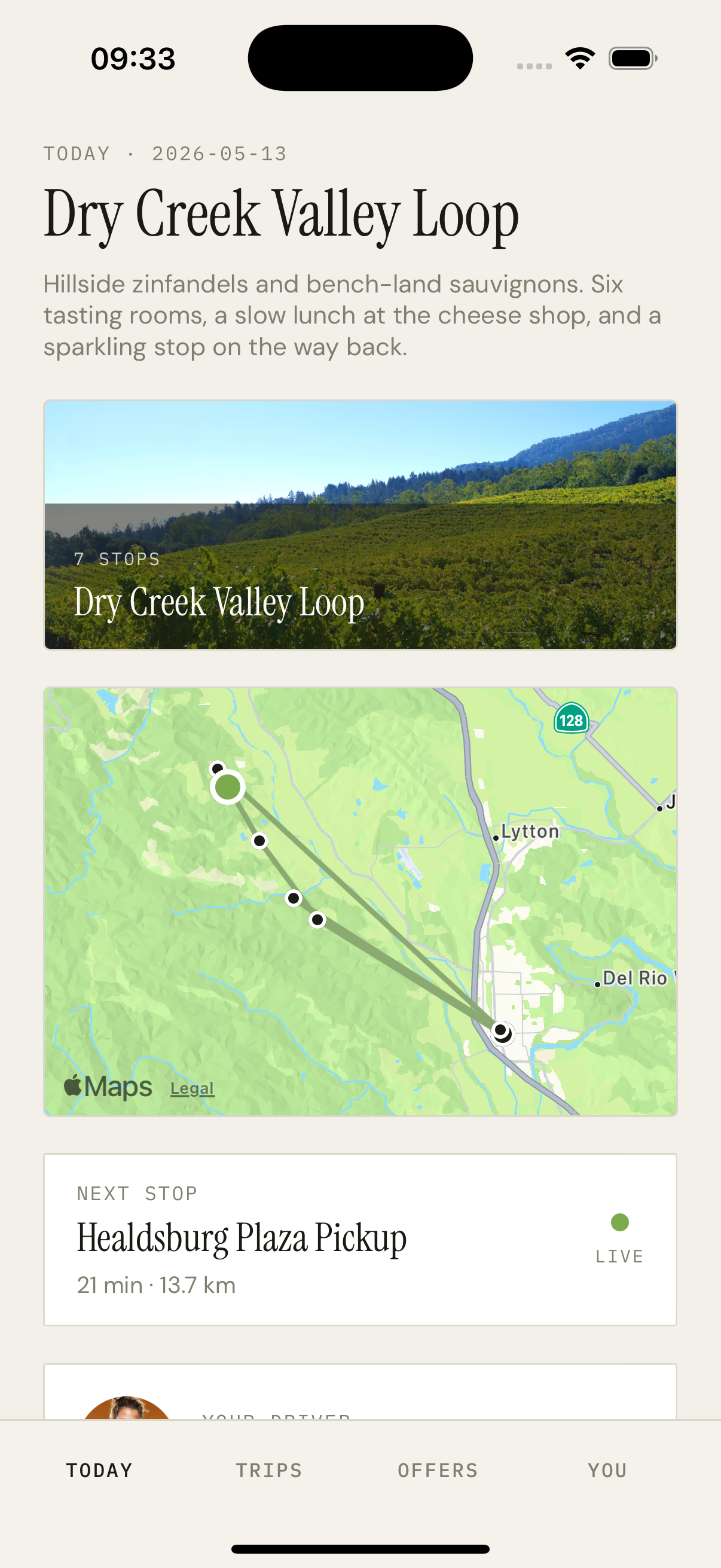
Stop detail sheet
What this winery actually pours
Overview
The same Sheet chrome as the driver bio sheet, but the content is stop-specific. Top: a hero image from Unsplash (cached server-side, same `/assets/<id>.regular.jpg` pattern). The stop name in Instrument Serif sits in a LinearGradient overlay along with an uppercase route name as the eyebrow. Below: three rows — TIME (the scheduled minute formatted as HH:MM), ETA (computed from the live vehicle if active), HOURS (a free-form hoursText field from the stop record). Then a paragraph of tagline text, and HOUSE STYLE (one short sentence from the stop's houseStyle field — e.g. 'biodynamic, savagnin-leaning').
How it works
The sheet receives a `stop` prop with the full stop record + the route's accent color + an optional ETA from the parent.
Time formatting: scheduledMinuteOfDay (integer 0–1439) divided by 60 gives the hour, mod 60 gives the minute, zero-padded for the display string.
Hero image uses the resolveImageUrl helper before passing to expo-image.
If the stop is in the past (vehicle has already left), the ETA row collapses and we show the actual arrival timestamp from the trip log instead.
The 'House style' line uses a lighter weight so it reads as caption-level information rather than another heading.
Key decisions
Stops have prose, not just coordinates
A stop on a wine-country shuttle is more than a lat/lng — it's an experience. Giving each stop a tagline, a house style sentence, and a hero image turns the route from a transit line into a curated trip. The rider can preview where they're going before they get there.
ETA shows only when active
Showing 'ETA · 23m' on a stop that's already been visited would be wrong. The sheet checks the rider's reservation date and the vehicle's progress — past stops collapse to actual arrival times, future stops show ETAs, present stops show 'arriving now'.