Sign in
Password, fast — admins live here
Overview
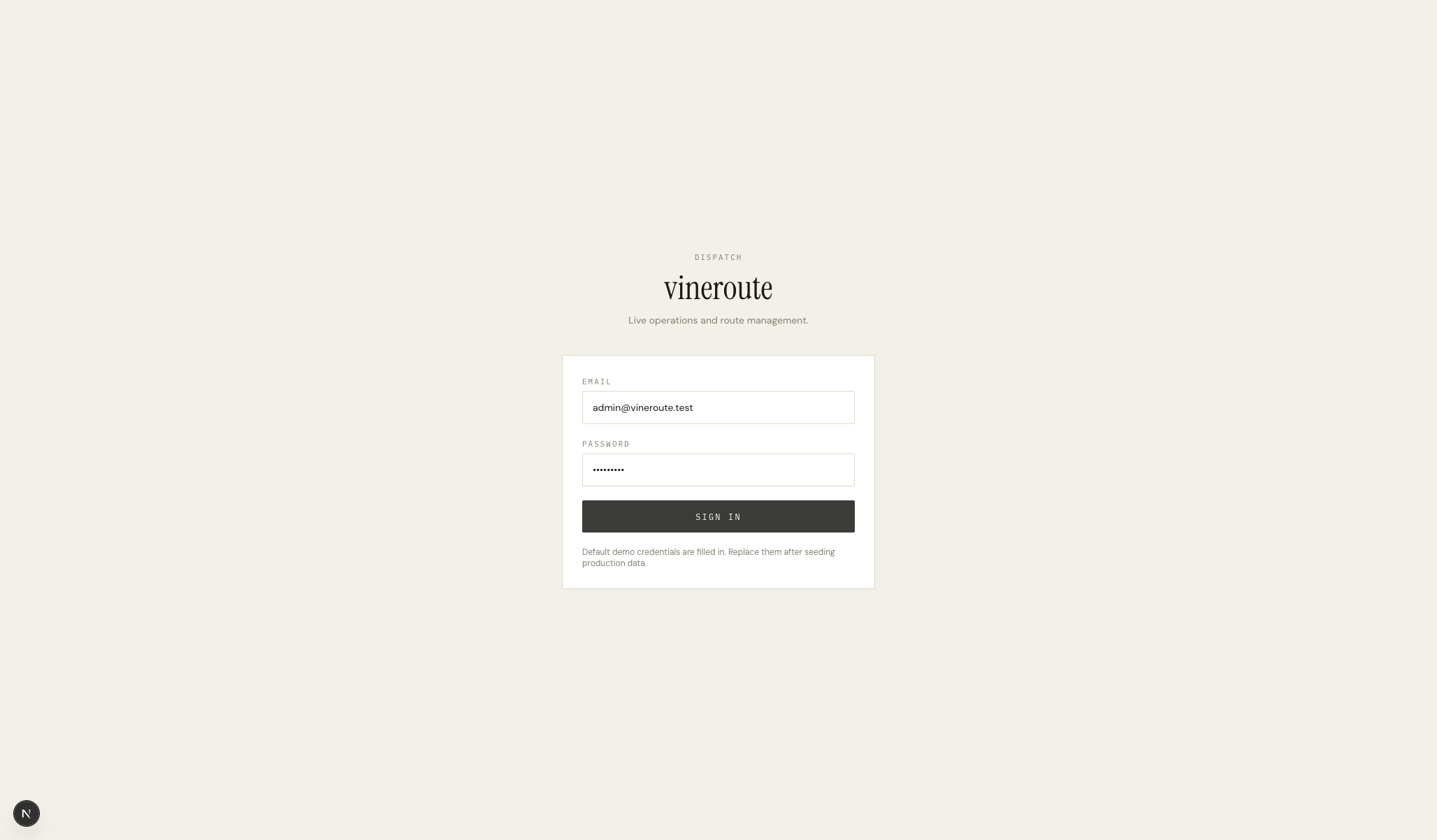
A centered card on a cream background — eyebrow DISPATCH, the wordmark in Instrument Serif, a one-line description, then a stacked form: Email, Password, Sign in. Demo credentials are pre-filled (admin@vineroute.test / vineroute) with a footer note that they should be replaced after seeding. The card is the same paper style used across the dispatch app.
How it works
Form state is local React with two refs. Submit calls `POST /auth/password` with the JSON body — same endpoint the mobile demo button hits.
Success stores the JWT in localStorage as `vineroute.admin.token`, and the user record in `vineroute.admin.user`. We don't use cookies — the API uses Bearer tokens.
`vineroute.admin.token` is read by an Axios interceptor on every admin API call. Any 401 response triggers a redirect back to /sign-in and a localStorage clear.
On success, we `router.push('/dispatch')`. The dispatch layout reads the token from localStorage on mount and shows skeletons until the first `/auth/me` lands.
If the admin pastes new creds and the API returns 401, we render an inline error below the password field rather than an alert — keeps the page calm.
Key decisions
Password, not magic link
Operators sign in to dispatch every morning, often multiple times. Magic-link auth means a tab-switch, a search for the right inbox, a click. Password is the right tool here — they remember it after one day, the keychain handles the rest, and we spare them the click ritual.
Pre-filled demo creds in dev/staging
Stakeholders demoing the product shouldn't have to remember the password. We pre-fill it in dev and staging so the first impression is 'click Sign in and it works'. Production gates this off via an env var — the prefilled creds simply aren't shipped.